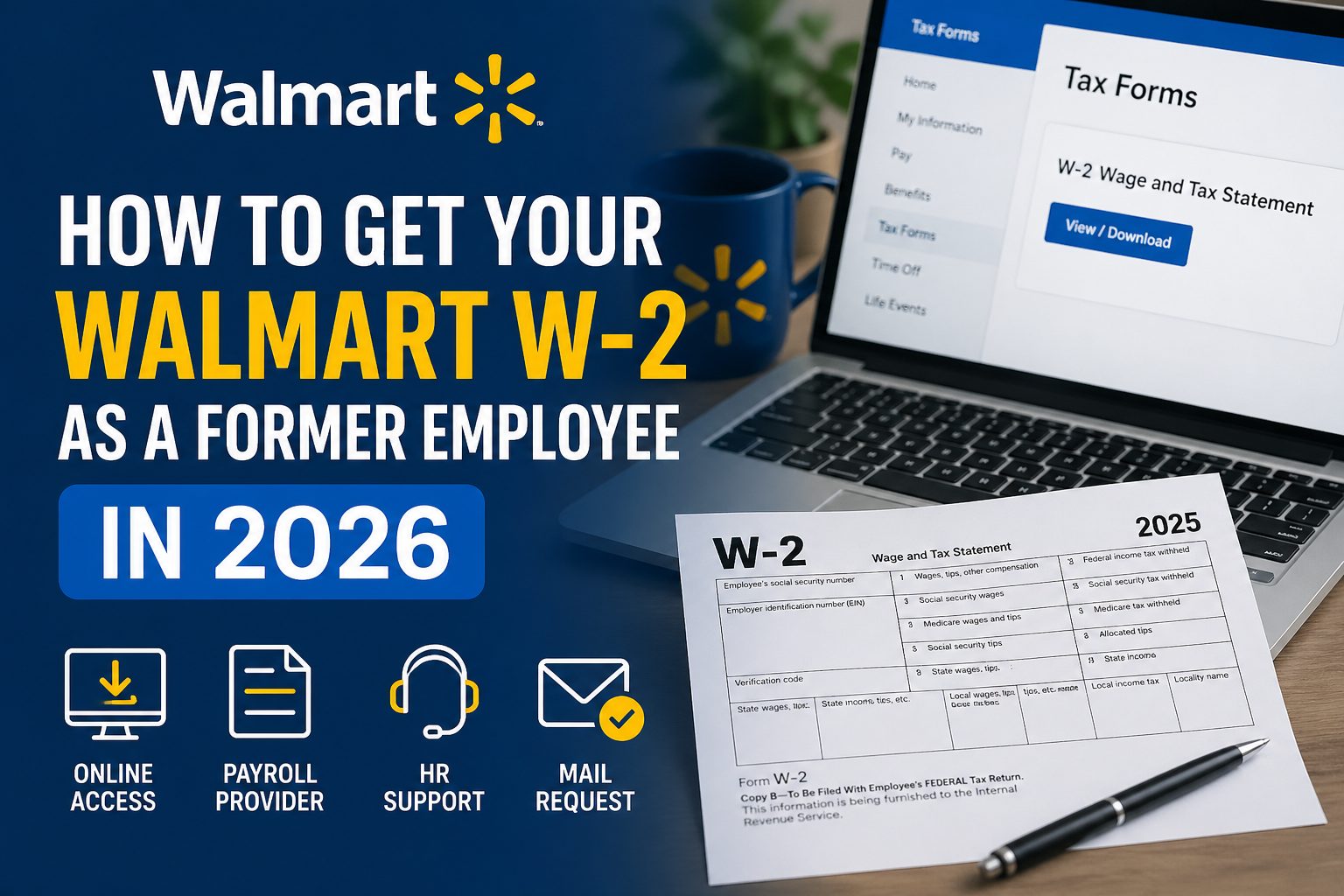
How to Get Your Walmart W-2 as a Former Employee in 2026?
If you worked for Walmart in the past, getting your W-2 form is one of the most important steps during tax season. A W-2 is the document that shows how much you earned and how much tax was withheld—information you need to file your taxes, claim refunds, and stay compliant with the law.
For former employees, the process isn’t always straightforward. You no longer have active access to internal systems, your address may have changed, or you might not know where to log in. That’s where most people get stuck.
The good news is that there are multiple ways to retrieve your Walmart W-2 in 2026. You can access it online, request it through the payroll provider, or have it mailed to you. In this guide, you’ll learn the fastest and most reliable methods to get your W-2 without delays.
What Is a W-2 Form and Why You Need It
A W-2 form is an official tax document that employers provide to their employees at the end of each year. It details your total earnings, along with the federal, state, and other taxes withheld from your paycheck.
In this case, your employer—Walmart—is responsible for issuing your W-2. This form is essential when filing your taxes with the Internal Revenue Service, as it ensures your income and tax payments are accurately reported.
Employers are legally required to send out W-2 forms by January 31 each year. That means your 2025 W-2 should be available by the end of January 2026. Missing this form can delay your tax filing and potentially your refund.
When and How Walmart Sends W-2 Forms
Walmart typically sends out W-2 forms by January 31, 2026, in compliance with federal deadlines. If you were a former employee, your W-2 will usually be mailed to the last address you had on file.
If you opted for electronic delivery while you were still employed, your W-2 may already be available online through Walmart’s employee portal. This is often the fastest way to access your form, especially if you no longer live at your previous address.
Because mail delays and outdated addresses are common issues, many former employees prefer to retrieve their W-2 digitally instead of waiting for a physical copy.
Method 1: Get Your Walmart W-2 Online (Fastest Way)
The quickest way to access your W-2 is through Walmart’s employee portal, such as WalmartOne or the updated OneWalmart system.
Steps to download your W-2:
- Log in to your account using your credentials
- If you forgot your login details, use the password recovery option
- Navigate to the “Tax Forms” or “W-2” section
- Download and save your W-2 form
This method gives you instant access, allowing you to file your taxes without waiting for mail delivery.
What if you can’t log in?
If you’ve lost access to your account:
- Try resetting your username or password
- Use any employee ID or registered email you previously used
- If recovery fails, you’ll need to switch to another method, such as contacting HR or using the payroll provider
Method 2: Use the Payroll Provider (Equifax / MyTaxForm)
Walmart partners with Equifax Workforce Solutions to manage payroll documents, including W-2 forms. You can access your form through their MyTaxForm portal.
Steps to get your W-2 via MyTaxForm:
- Go to the MyTaxForm website
- Register for an account using Walmart’s employer code
- Complete identity verification (you may need your SSN and employment details)
- Once verified, download your W-2 form
Common issues and how to fix them:
- Employer code not working: Double-check the code or search for the latest one online
- Identity verification failed: Ensure your details match exactly what Walmart has on record
- Account not found: Try registering again or use a different email
This method is especially useful if you no longer have access to Walmart’s internal portal but still want quick digital access to your W-2.
Method 3: Contact Walmart HR or Former Store
If online access isn’t working, your next best option is to contact Walmart directly through HR support or your previous store location.
What to do:
- Call Walmart’s HR support line or the store where you worked
- Request assistance in accessing or reissuing your W-2
Details you’ll need:
- Employee ID (if available)
- Social Security Number (SSN)
- Dates of employment
- Full name and previous address
Providing accurate details helps them locate your records quickly and avoid delays.
Expected response time:
In most cases, HR can guide you immediately or initiate a re-send request. If a duplicate W-2 is being issued, it may take a few business days to process.
Method 4: Request a Duplicate W-2 by Mail
If you prefer a physical copy—or don’t have access to online systems—you can request a duplicate W-2 by mail.
How to request it:
- Contact Walmart HR or payroll support
- Ask them to re-mail your W-2
Confirm your mailing address:
Before submitting the request, make sure your address is correct. If you’ve moved, update your details during the call to ensure the form reaches you.
Delivery timeline:
Once requested, it typically takes 7–14 business days to arrive, depending on your location and postal service delays.
What to Do If You Haven’t Received Your W-2
If your W-2 hasn’t arrived, don’t panic—there’s a clear process to follow.
- Wait until early February: Employers have until January 31 to send it, so slight delays are normal
- Contact Walmart first: Confirm whether your W-2 was sent and verify your details
- Reach out to the Internal Revenue Service: If you still haven’t received it by mid-February
Last resort:
You can file your taxes using Form 4852 (a substitute for a W-2). This requires estimating your income and tax withholdings, so it’s best used only if all other options fail.
Common Problems and Solutions
Here are some common issues former Walmart employees face—and how to fix them:
Lost login credentials:
Use the password recovery option or switch to the payroll provider method
- Wrong mailing address:
Contact HR to update your address and request a new copy - Identity verification failure:
Double-check your personal details (SSN, name, employment dates) match Walmart records - Delayed delivery:
Wait a few extra days, then request a duplicate if needed
Tips to Avoid Issues Next Year
A little preparation can save you a lot of stress during tax season:
- Keep your contact information updated with your employer
- Opt for digital delivery whenever possible
- Save copies of your pay stubs throughout the year
- Maintain access to employee portals even after leaving a job
FAQs
Can I get my W-2 without logging in?
Yes. You can request it through HR, your former store, or the payroll provider without logging into the employee portal.
What is Walmart’s employer code?
The employer code is required for accessing W-2 forms via payroll providers like Equifax. It may vary, so check the official portal or confirm with HR.
Is there a deadline to request a W-2?
There’s no strict deadline to request it, but you should obtain it before filing your taxes to avoid delays or errors.
Can I file taxes without a W-2?
Yes, but only as a last resort. The Internal Revenue Service allows you to file using Form 4852 if your W-2 is unavailable.
One Last Thing
Even if you’ve left your job months ago, it’s always possible to retrieve your W-2 from Walmart. The key is to act early, explore the available methods, and avoid waiting until the last minute.
If you want the fastest solution, go with online access through the employee portal or payroll provider—it’s usually the quickest and most reliable way to get your W-2 and file your taxes without delays.