The Walmart Return to Work (RTW) Packet Guide
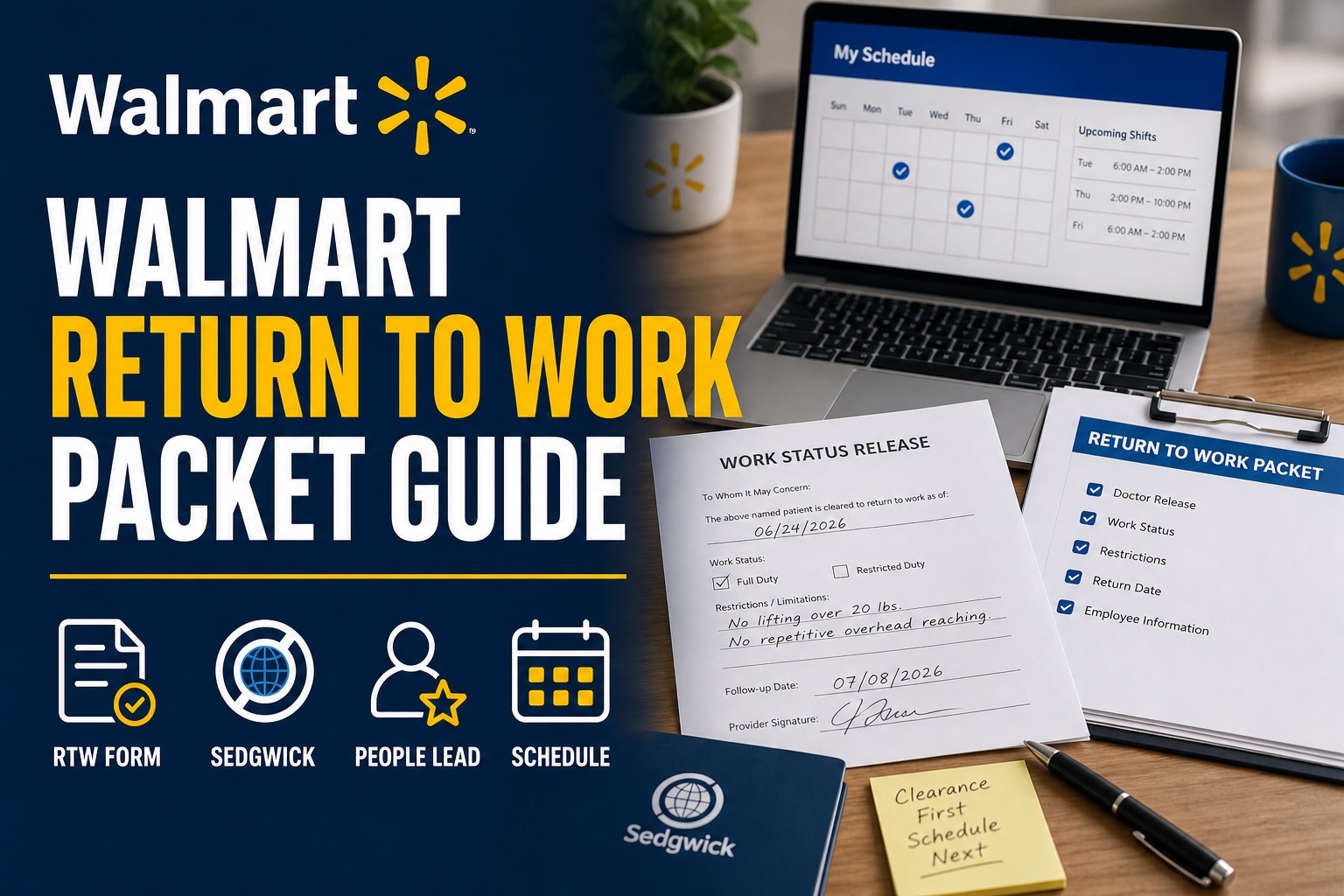
The Walmart Return to Work Packet is the paperwork and clearance process that helps an associate come back after a leave of absence. The usual sequence is Sedgwick review first, medical release or work-status paperwork next, then store or facility scheduling after the return is cleared.
In Walmart’s 2026 Associate Benefits Book, associates returning from leave are told to report the actual return-to-work date to Sedgwick within two calendar days. If the associate has restrictions, Sedgwick sends the information to Walmart for review before the associate returns (Walmart, 2026).
| Step | What happens |
|---|---|
| 1 | Associate gets a medical release or work-status note |
| 2 | Release is submitted to Sedgwick |
| 3 | Sedgwick reviews return date and restrictions |
| 4 | Restrictions are sent to Walmart for review if needed |
| 5 | People Lead or management updates scheduling after clearance |
| 6 | Associate confirms the schedule in Me@Walmart |
Key Takeaways
- A doctor’s release is not always the final clearance step.
- Sedgwick should receive the actual return-to-work date.
- Restrictions need review before the associate is placed back into regular work.
- A People Lead may need Sedgwick or Walmart clearance before scheduling the associate.
- The Me@Walmart schedule may lag behind the claim status.
- Associates should keep copies of all release forms and messages.
What Is the Walmart RTW Packet?
The Walmart RTW packet is the set of forms, instructions, and medical release details used when an associate returns from an approved or pending leave. “RTW” means return to work.
For medical leaves, the packet may include a return-to-work release, fitness-for-duty note, restriction details, provider contact information, and instructions for submitting the documents to Sedgwick. The packet may also connect with short-term disability paperwork if the associate was receiving disability benefits.
Sedgwick’s public claim help page says mySedgwick can be used to add absence or return-to-work dates and upload documents when applicable (Sedgwick, 2026). That is why the RTW process should not be handled only by handing a note to a manager.
Associates working through the end of leave may also need the Sedgwick LOA filing guide, the Me@Walmart app guide, and the Walmart attendance points guide.
Why Sedgwick Clearance Comes Before Scheduling
The exact phrase “legally put back on the schedule” can sound stronger than the public materials say, but the practical rule is clear: Walmart should not ignore medical restrictions, missing releases, or incomplete leave status when placing an associate back into work.
Sedgwick manages the leave record. Walmart manages the workplace schedule. Those two systems need to line up.
If an associate returns too soon, three problems can happen:
- The associate may be scheduled before the leave is closed.
- The facility may not know about restrictions.
- The associate may not be able to perform assigned tasks safely.
If an associate waits too long, different problems can happen:
- The claim may show an inaccurate return date.
- Short-term disability payments may be delayed or overpaid.
- The schedule may stay inactive longer than needed.
The clean path is to clear the release with Sedgwick, confirm any restrictions, then work with the People Lead or manager on the schedule.
The 6-Step Walmart Return to Work Sequence
1. Ask the Doctor for a Clear Work Status
The doctor’s note should say whether the associate can return to work, the return date, and whether restrictions apply. A vague note can create a delay.
A stronger return note includes:
- Associate name.
- Date of exam.
- Return-to-work date.
- Full duty or restricted duty.
- Specific restrictions, if any.
- Restriction end date or next review date.
- Provider name, signature, and contact information.
For example, “may return when better” is weak. “May return June 28, 2026, with no lifting over 20 pounds until July 12, 2026” is more useful.
2. Upload or Send the Release to Sedgwick
The associate should submit the RTW release through mySedgwick or the method listed in the packet. Uploading through mySedgwick gives the associate a better chance of seeing whether the document was received.
If fax is required, the associate should keep the fax confirmation. If the release is uploaded, the associate should save a screenshot or note the upload date.
3. Confirm the Actual Return Date
Walmart’s 2026 Benefits Book says associates should report the actual return-to-work date to Sedgwick within two calendar days after returning (Walmart, 2026). That is important when the expected return date changes.
If the associate was expected back on Monday but actually returned on Wednesday, Sedgwick should know the actual date. The same applies when the associate comes back earlier than expected.
4. Handle Restrictions Before the First Shift
Restrictions are the part of RTW that causes the most friction. Walmart’s 2026 Benefits Book says that when an associate has restrictions, Sedgwick will send the information to Walmart for review before the associate returns (Walmart, 2026).
Restrictions may include lifting limits, standing limits, reduced hours, no ladder use, no overhead reaching, no certain equipment, or modified duties. A People Lead usually needs enough information to decide whether the store, club, or facility can place the associate into work that fits the restrictions.
This is also where accommodation review may matter. The U.S. Equal Employment Opportunity Commission explains that reasonable accommodation under the ADA can include changes that allow a qualified employee with a disability to perform essential job functions, unless it creates undue hardship (EEOC, 2026).
5. Contact the People Lead After Sedgwick Updates the Case
Once Sedgwick has the release and any restrictions are being reviewed, the associate should contact the People Lead or manager. The message should be short and practical:
“Sedgwick has my return-to-work release for [date]. Please let me know when the schedule can be updated and whether you need anything else from me.”
The associate should avoid sending detailed medical records to local management unless instructed by the official process. Sedgwick and the medical documentation channel exist for a reason.
6. Check Me@Walmart and the Schedule
After clearance, the schedule should appear or update in Me@Walmart. If it does not, the associate should follow up with the People Lead and keep a record of the message.
Schedule delays can happen because Sedgwick status, store scheduling, restrictions review, and manager availability are separate steps. A missing schedule is not always a denial. However, silence should not be ignored.
What If Restrictions Are Not Accepted?
If restrictions cannot be accommodated right away, the associate should ask what status applies. The answer may involve continued leave, an accommodation review, modified duty, a new medical update, or another Sedgwick step.
The associate should ask for the next action in writing when possible:
- Does Sedgwick need another doctor note?
- Does Walmart need a restrictions review?
- Is the leave being extended?
- Is an accommodation request needed?
- Is a new return date required?
The associate should also ask the provider to avoid vague limits. “Light duty” may not be enough. Specific restrictions help Walmart compare the limits with actual job duties.
RTW Packet Mistakes That Delay Scheduling
The most common mistake is assuming a doctor note handed to a manager is enough. It may help, but it does not always update the Sedgwick case.
Other common mistakes include:
- Missing the Sedgwick upload step.
- Returning before the approved release date.
- Failing to report the actual return date.
- Sending restrictions without an end date.
- Giving local management medical details instead of official forms.
- Not checking mySedgwick messages.
- Expecting Me@Walmart to update instantly.
A simple tracking sheet can prevent many of these problems. It should list the release date, upload date, Sedgwick confirmation, People Lead message, first scheduled shift, and any restrictions.
RTW Packet vs New Leave Extension
Sometimes an associate reaches the planned return date but is not ready to return. That is not an RTW problem; it is usually a leave-extension problem.
If the doctor says the associate cannot return yet, the associate should contact Sedgwick before the leave ends when possible. The new paperwork should explain the extended disability or restrictions, the new expected return date, and the medical reason.
Waiting until after the return date can create attendance, pay, or claim-status problems. Early communication is the better path.
A Simple RTW Message Timeline
A short timeline keeps the return organized. Seven to ten days before the expected return, the associate should ask the doctor whether a release can be issued and whether restrictions will apply. Three to five days before the return, the associate should upload the release to Sedgwick and confirm it appears in the claim.
After Sedgwick receives the release, the associate can message the People Lead with the expected return date and ask whether scheduling is waiting on any additional clearance. On the first day back, the associate should confirm the actual return date with Sedgwick if required. Within two calendar days, the associate should make sure the actual date has been reported, because Walmart’s 2026 Benefits Book specifically calls out that timing.
This timeline does not replace Sedgwick instructions. It simply gives the associate a practical order: provider first, Sedgwick second, People Lead third, Me@Walmart schedule last.
Sources Used for This Guide
This article uses Walmart’s 2026 Associate Benefits Book, Walmart’s public My Health benefits page, Sedgwick’s Help with my claim page, Sedgwick’s absence management and disability overview, the U.S. Department of Labor’s FMLA information, and the EEOC’s reasonable accommodation guidance.
FAQs
What is a Walmart Return to Work Packet?
A Walmart Return to Work Packet is the paperwork used to clear an associate to return after leave. It may include a doctor’s release, restriction details, return date, and Sedgwick instructions.
Does a doctor note automatically put an associate back on the schedule?
Not always. The note may need to be submitted to Sedgwick first, especially after a formal leave. Restrictions may also need review before the People Lead or manager can schedule the associate.
When should an associate tell Sedgwick the return date?
Walmart’s 2026 Associate Benefits Book says the actual return-to-work date should be reported to Sedgwick within two calendar days after the associate returns.
What happens if the associate has work restrictions?
If restrictions apply, Sedgwick sends the information to Walmart for review before the associate returns. The facility may need to decide whether the restrictions can be accommodated or whether more information is needed.
Why is the Me@Walmart schedule still blank after release?
The schedule may lag because Sedgwick status, restriction review, and local scheduling are separate steps. The associate should contact the People Lead after confirming Sedgwick received the release.
What if the associate cannot return on the planned date?
The associate should contact Sedgwick as soon as possible and request an extension or updated leave review. A new doctor note may be needed to support the changed return date.
The Walmart Return to Work Packet is more than a single doctor note. The clean sequence is to get a clear medical release, submit it to Sedgwick, resolve any restrictions, report the actual return date, then work with the People Lead to restore the Me@Walmart schedule. That order keeps the claim, workplace, and schedule aligned.